

Teams
A department is a place a ticket goes; a team is a group of people who work together. Agents & Access → Agents → Teams lists your teams.
A team is not a permission and holds no tickets of its own. What its members may do and see still comes from their role and visibility. A team decides:
- Whose work counts as “my colleagues’”. With Tickets they may see set to Theirs, and their colleagues’ in the same departments (or wider), an agent on a team sees their teammates’ tickets rather than everyone’s in the department. See Visibility Rules.
- A team queue. An agent on a team gets a queue of the team’s work, named after the team (or My teams if they are on more than one).
- Working hours. Members with no hours of their own use the team’s. See Hours & Leave.
- Who covers. When a member is away, their work can go to the team’s cover person, or failing that its lead.
- Team canned responses. Canned responses can belong to a team; only its members are offered them.
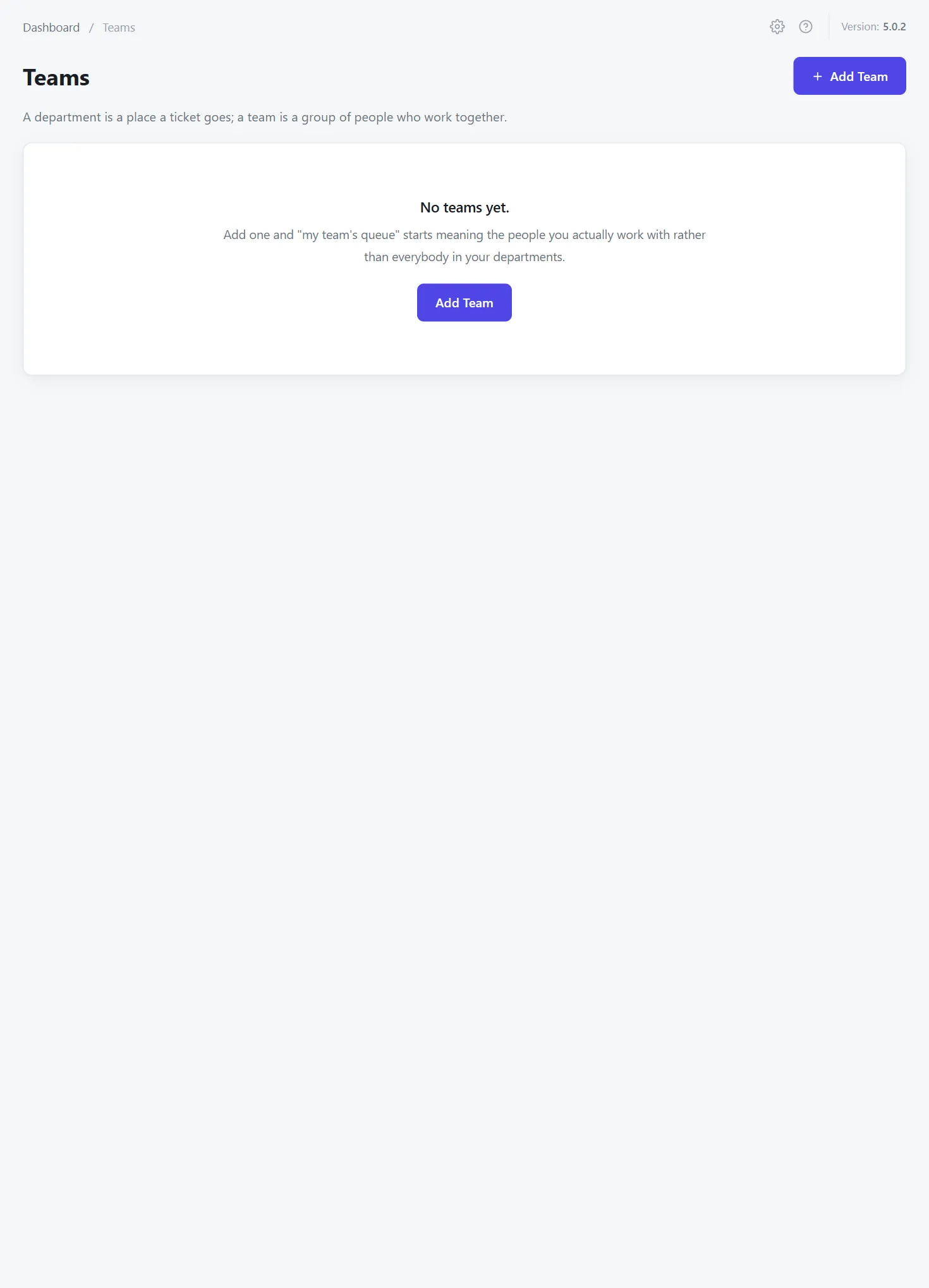
The list shows each team’s lead and cover, its People, its Team hours and its Work: open and closed tickets held by its members. Team hours says whether the team is Open or Closed right now, then its week on one line, such as “Mon-Fri 09:00-17:00” (or Always open), and the time zone the hours are read in.
Adding a team
Section titled “Adding a team”- Click Add Team.
- Fill in the form below.
- Click Save team.
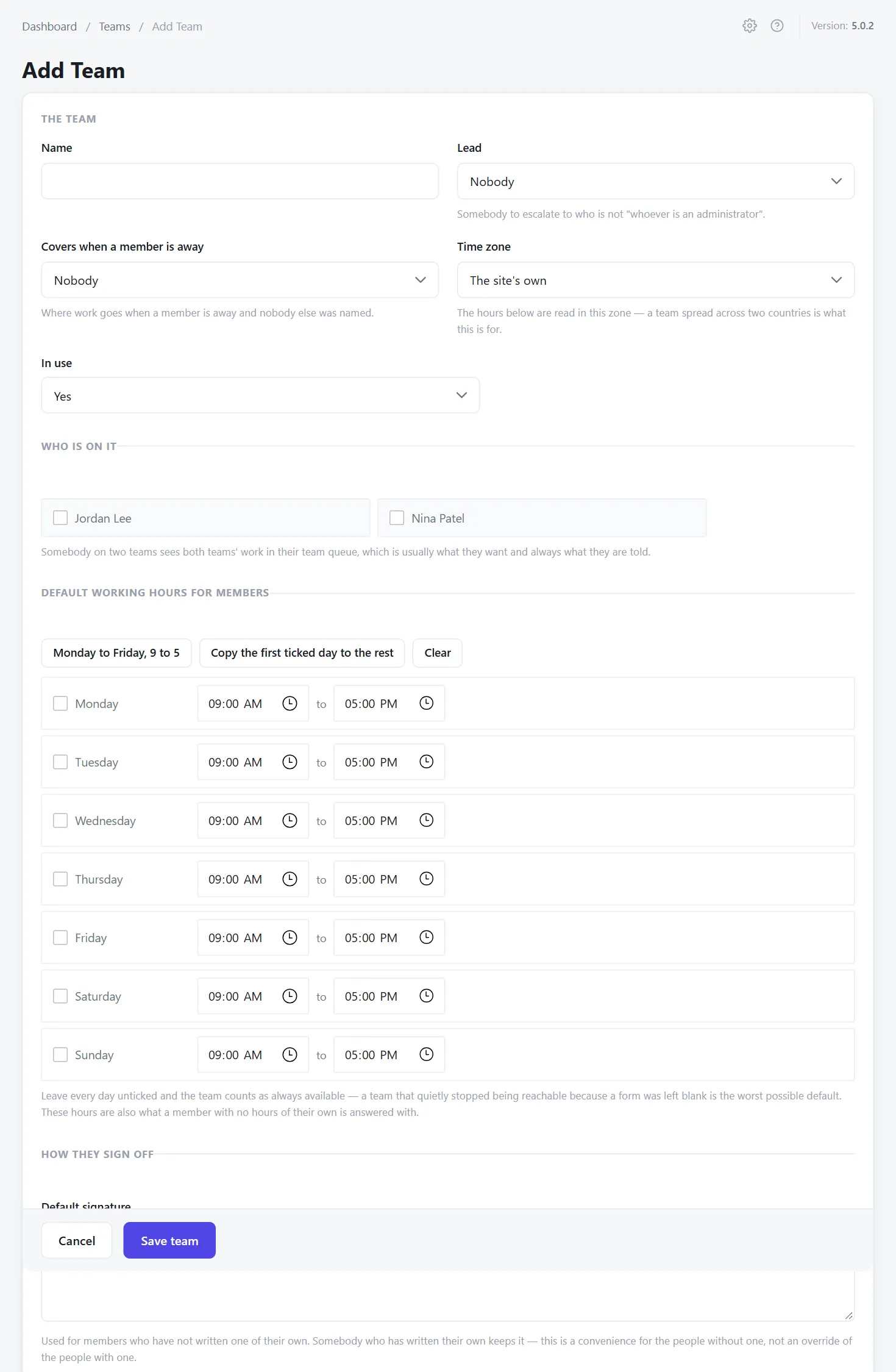
The team
Section titled “The team”| Field | What it does | Default |
|---|---|---|
| Name | The team’s name, up to 80 characters. Shown on the team queue. | |
| Lead | Somebody to escalate to. Also the cover of last resort: if a member is away and the team names no cover, their work goes to the lead. | Nobody |
| Covers when a member is away | Where a member’s work goes while they are away, when their time off doesn’t name someone. | Nobody |
| Time zone | The zone the team’s hours are read in. Useful for a team in another country. | The site’s own |
| In use | No — keep it, but stop offering its queue keeps the team but ignores it: no team queue, no team hours, no cover. | Yes |
Who is on it
Section titled “Who is on it”Tick the agents who belong to the team. With more than eight agents, a Find somebody box filters the list; people already ticked stay visible while you search. An agent can be on more than one team, and then sees all their teams’ work together.
Default working hours for members
Section titled “Default working hours for members”Tick each working day and set its opening and closing time. Monday to Friday, 9 to 5 fills in the usual week, Copy the first ticked day to the rest repeats one day’s times, and Clear unticks everything.
A closing time earlier than the opening time is a night shift that ends the next morning: 22:00 to 06:00 on Monday is open from 22:00 on Monday until 06:00 on Tuesday. A day that opens and closes at the same time is dropped when you save.
Leave every day unticked and the team counts as always available. These hours apply to members who have no hours of their own.
How they sign off
Section titled “How they sign off”Default signature is meant for members who haven’t written their own.
Deleting a team
Section titled “Deleting a team”Open the team and click Delete, or click Delete on its row in the list and then Click again to delete. Its members and their tickets are untouched: a team holds no tickets of its own.