

Email CC
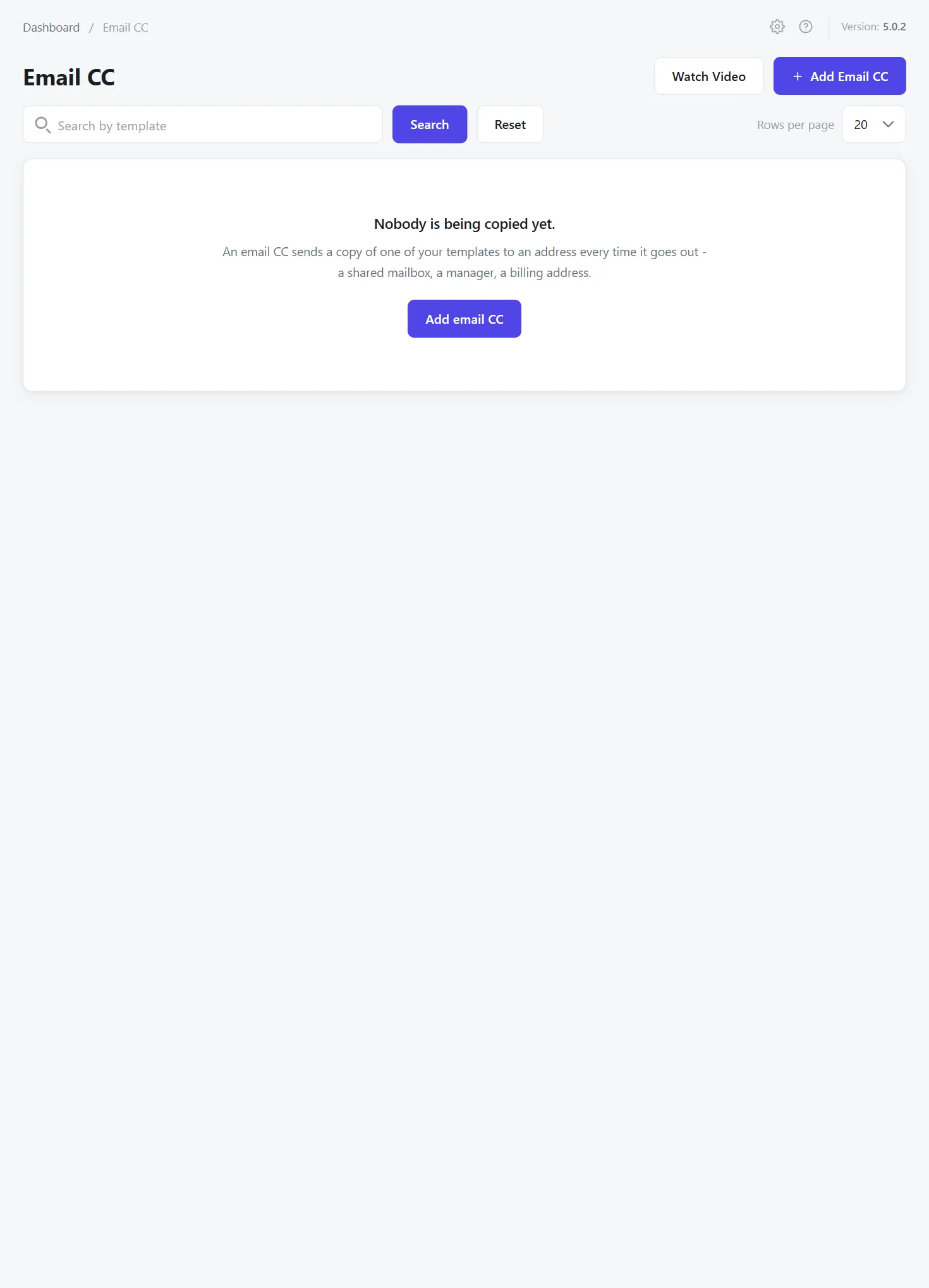
Outgoing Email → Email CC sends a copy of one kind of notification to an address every time that notification goes out: a shared mailbox, a manager, a billing address. For example, copy your support manager on every new-ticket alert.
The list shows who is Copied to (name and address), the Template For the copy rides on, the Template Type (Cc or Bcc), the Status and when it was Created. Search by template, and choose Rows per page (20, 50 or 100).
Adding a copy
Section titled “Adding a copy”-
Click Add Email CC.
-
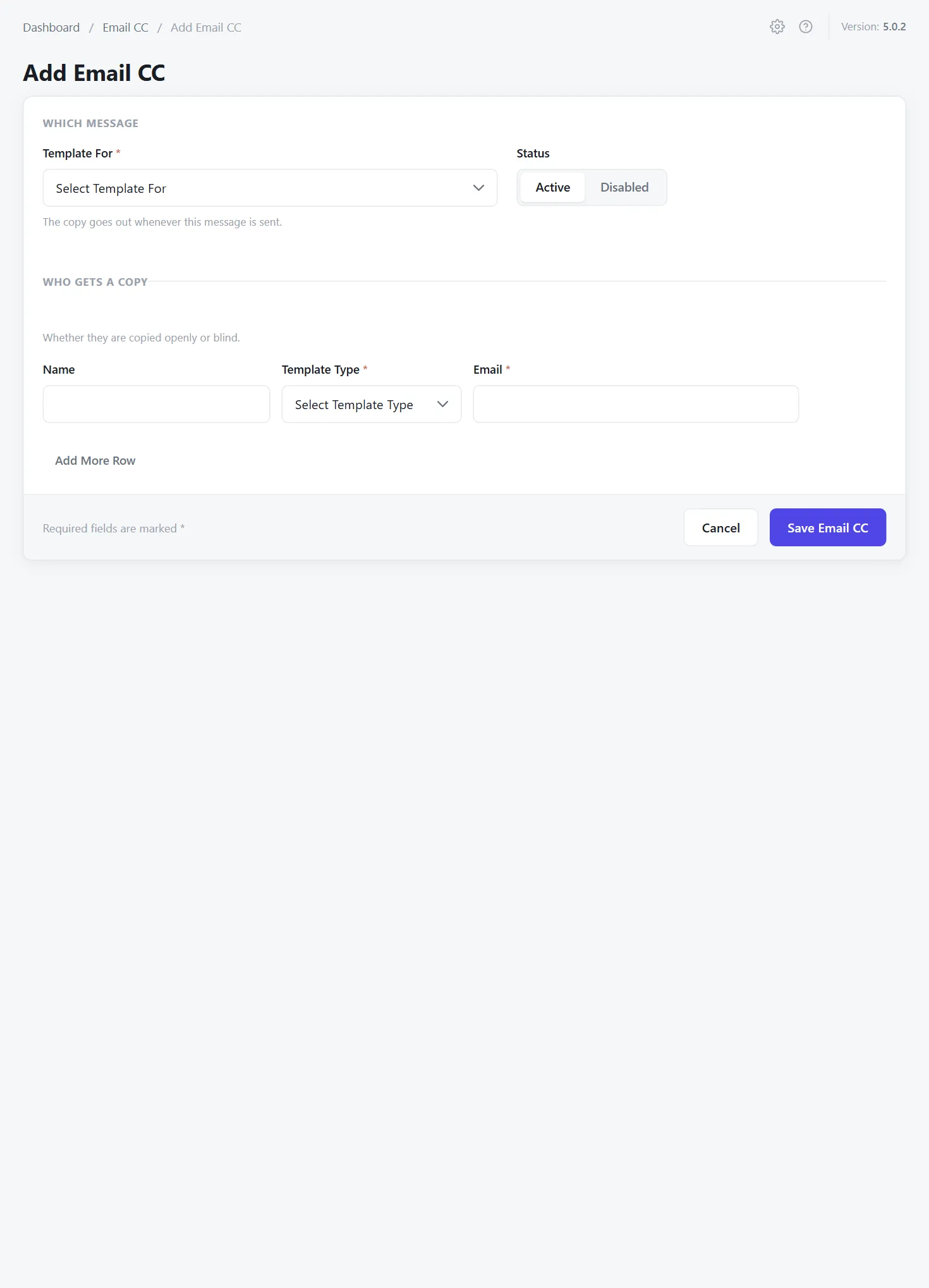
Under Which message, choose Template For and leave Status on Active.
-
Under Who gets a copy, fill in the first recipient’s Name, Template Type and Email.
-
To copy more people on the same message, click Add More Row for each. Remove takes a row away again.
-
Click Save Email CC. Each recipient is saved as its own entry in the list.
| Field | What it does |
|---|---|
| Template For * | The notification the copy goes out with. “The copy goes out whenever this message is sent.” |
| Status | Active sends copies; Disabled keeps the entry without sending. Clicking the status in the list switches it. |
| Name | A label for the recipient, shown in the list. |
| Template Type * | Cc: the copy is visible to every recipient of the message. Bcc: a blind copy, which nobody else can see. |
| Email * | The address that gets the copy. |
When you edit an entry, you edit that one recipient; Add More Row is only on a new entry. Only administrators can save entries.
Which notifications can be copied
Section titled “Which notifications can be copied”Copies ride on the messages your team and administrator receive, not on the ones sent to customers. The Template For list names them:
| Template For | Is the copy of |
|---|---|
| Admin … (for example Admin New Ticket Received, Admin Ticket Reply, Admin Close Ticket) | the notification sent to the admin address |
| Staff … (for example Staff Ticket Reply, Staff Close Ticket) | the notification sent to agents. Only listed with Agents & Teams. |
| Ticket Received | the new-ticket alert sent to the agents of the ticket’s department (Agents & Teams) |
| New Agent Received | the message to the admin address about a new agent |
| New Mail Has Been Sent, New Reply Has Been Sent | Internal Mail notifications |
Whether the notification itself is sent at all is set under Who is notified. A copy only goes when the notification does.
Deleting
Section titled “Deleting”Delete in the list removes the entry after asking. To pause a copy without losing it, click its status to set it to Disabled.