

Visitors
A visitor is someone who raises a ticket without signing in. They give their name and e-mail address on the form, and that’s all.
Configurations → Ticket Settings → Visitor Can Create Ticket turns this on or off (on by default). When it’s off, the form asks people to log in first. The visitor form is protected from spam, see Spam protection.
After raising a ticket
Section titled “After raising a ticket”The visitor sees your Visitor ticket creation message, and underneath it a token, with Copy Token, labelled “Remember Your Ticket Token for Tracking (Save It!)”. They are also e-mailed a confirmation with the ticket ID and a link to the ticket.
Getting back to a ticket
Section titled “Getting back to a ticket”Visitors have three ways back:
- the link in any e-mail about their ticket opens it directly;
- Check Ticket Status with their Email and Ticket ID;
- Check Ticket Status with the Token alone.
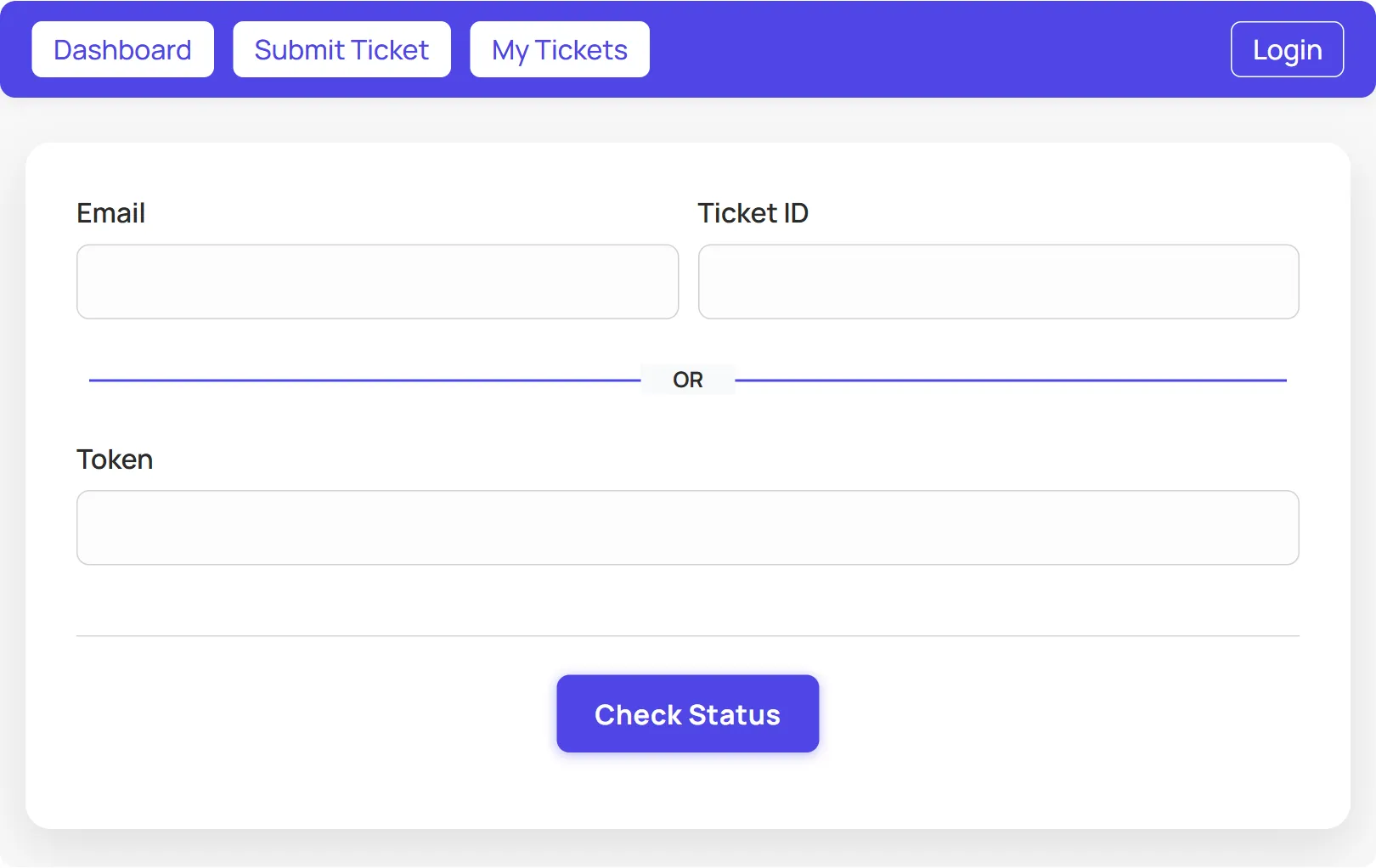
Once in, a visitor reads and replies to their ticket just as a signed-in customer does. Access lasts for that browser session.
Encouraging accounts
Section titled “Encouraging accounts”If you’d rather customers sign in, turn Visitor Can Create Ticket off and make sure registration is open (WordPress Settings → General → Anyone can register). Customers with an account get My Tickets, with all their tickets in one place.
To explain all this to your customers, link them to the guide for customers.