

Portal menu
Help Desk → Configurations → User Menu decides what customers see in the customer portal. Every setting is Show or Hide.
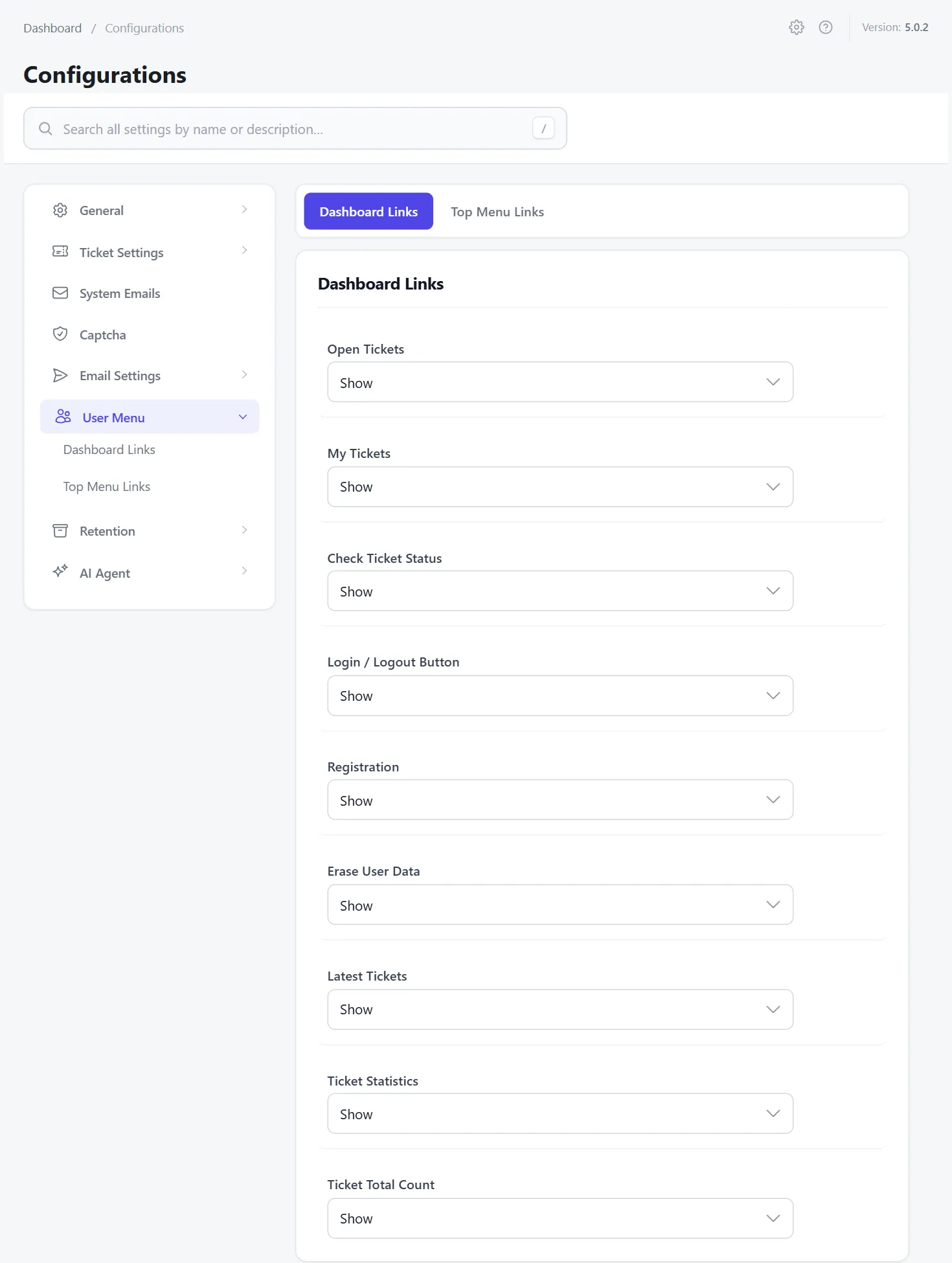
Dashboard Links
Section titled “Dashboard Links”The menu down the left of the portal’s dashboard, and the panels on it. All are shown by default.
| Setting | Shows |
|---|---|
| Open Tickets | The Submit Ticket link |
| My Tickets | The My Tickets link |
| Check Ticket Status | The ticket status lookup, for visitors |
| Login / Logout Button | Log In or Log Out |
| Registration | Register, when WordPress allows registration |
| Erase User Data | The User Data page, for exporting or erasing personal data |
| Latest Tickets | The customer’s most recent tickets |
| Ticket Statistics | The chart of the customer’s tickets |
| Ticket Total Count | The open, closed and answered counts |
With the Knowledge & Self-Service pack you can also show Knowledge Base, FAQs, Downloads and Announcements, and their latest items. They are hidden until you turn them on.
Top Menu Links
Section titled “Top Menu Links”The bar across the top of every portal page.
| Setting | Shows |
|---|---|
| Home | Dashboard |
| Tickets | My Tickets |
| Open Tickets | Submit Ticket |
| Login / Logout Button | Log In or Log Out |
To hide the whole bar, set Top Header on the General tab to Hide.