

Import from another help desk
System → Import Data → Import with Preview moves your history from another WordPress help desk plugin. It reads that plugin’s data directly, whether the plugin is still active or not, and never changes or deletes it.
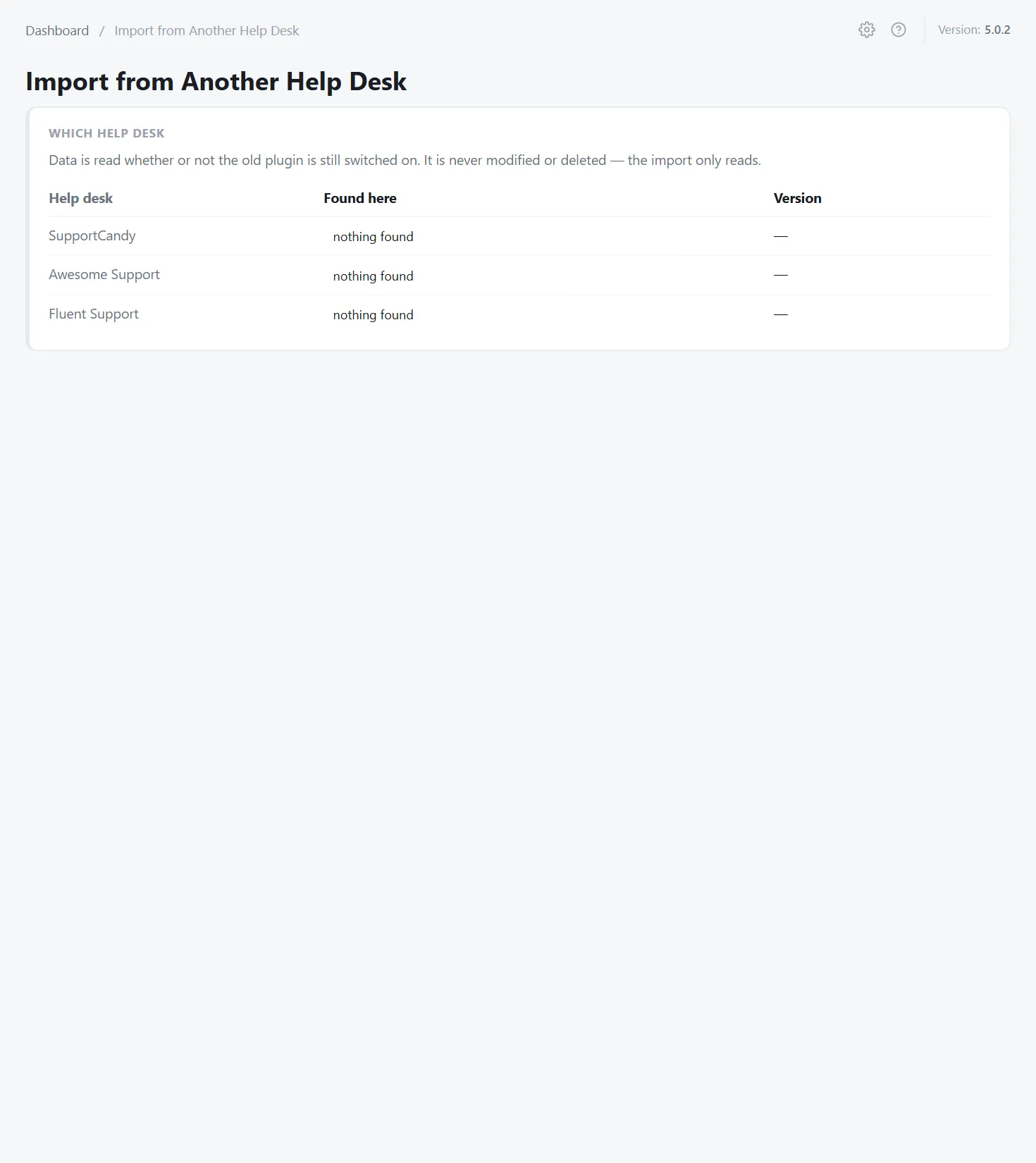
| From | Comes across |
|---|---|
| SupportCandy | Tickets, replies, customers, agents, categories (as departments), priorities, statuses, custom fields, attachments, and private notes and time logs |
| Fluent Support | Tickets, conversations, customers, agents, mailboxes (as departments), products, attachments and time records |
| Awesome Support | Tickets, replies, departments, priorities, statuses and private notes |
Things that need an add-on pack you don’t have, such as agents or time logs, are listed as Not imported along with the pack that would bring them.
- Take a database backup.
- Choose the source. The preview shows what is there, what each item becomes, and What will not come across.
- Start the import. Only one import can run at a time.
- System → Import Data → Import Report shows what was imported, skipped or failed, and the checks run afterwards.
Every row the import writes is recorded, so the report’s undo button removes exactly what it added, newest first, and nothing else.
For a spreadsheet of tickets instead, see Export and import tickets.