

Retention
Help Desk → Configurations → Retention cleans up automatically: old attachments to save space, and old closed tickets for privacy. Both are off on a new install.
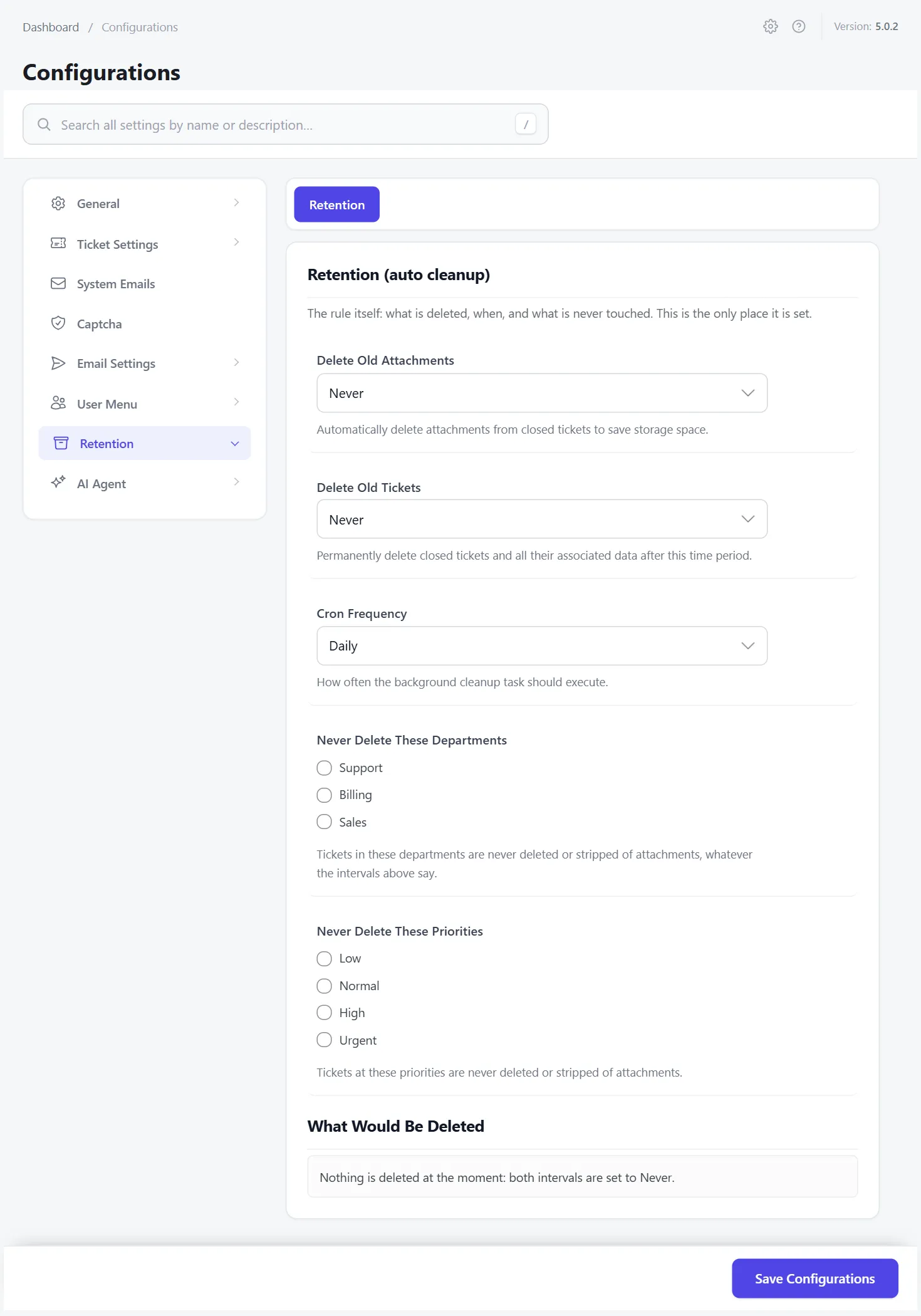
| Setting | Options | What it does |
|---|---|---|
| Delete Old Attachments | Never (default), After 1 Month, 3 Months, 6 Months, 1 Year | Removes the files from tickets that closed this long ago. The tickets stay. |
| Delete Old Tickets | Never (default), After 1 Year, 2 Years, 3 Years | Permanently deletes closed tickets, with everything in them, this long after they closed. |
| Cron Frequency | Daily (default), Weekly, Monthly | How often the clean-up runs. |
| Never Delete These Departments | Tick any | Tickets in these departments are never deleted or stripped of attachments. |
| Never Delete These Priorities | Tick any | The same, by priority. |
Only tickets that are Closed (or closed by a merge) are ever touched. Each run handles up to 100 items, so a large backlog is cleared over several runs.
Check before you switch it on
Section titled “Check before you switch it on”Under the settings, What Would Be Deleted shows, with your current settings, how many tickets would be deleted, how many attachments removed and how much space freed, plus the oldest tickets affected and the exclusions in force. It is recalculated each time you open the screen, and looking at it deletes nothing.
The clean-up runs in the background, using WordPress’s scheduler. See Scheduled jobs if it never seems to run.