

Internal Mail
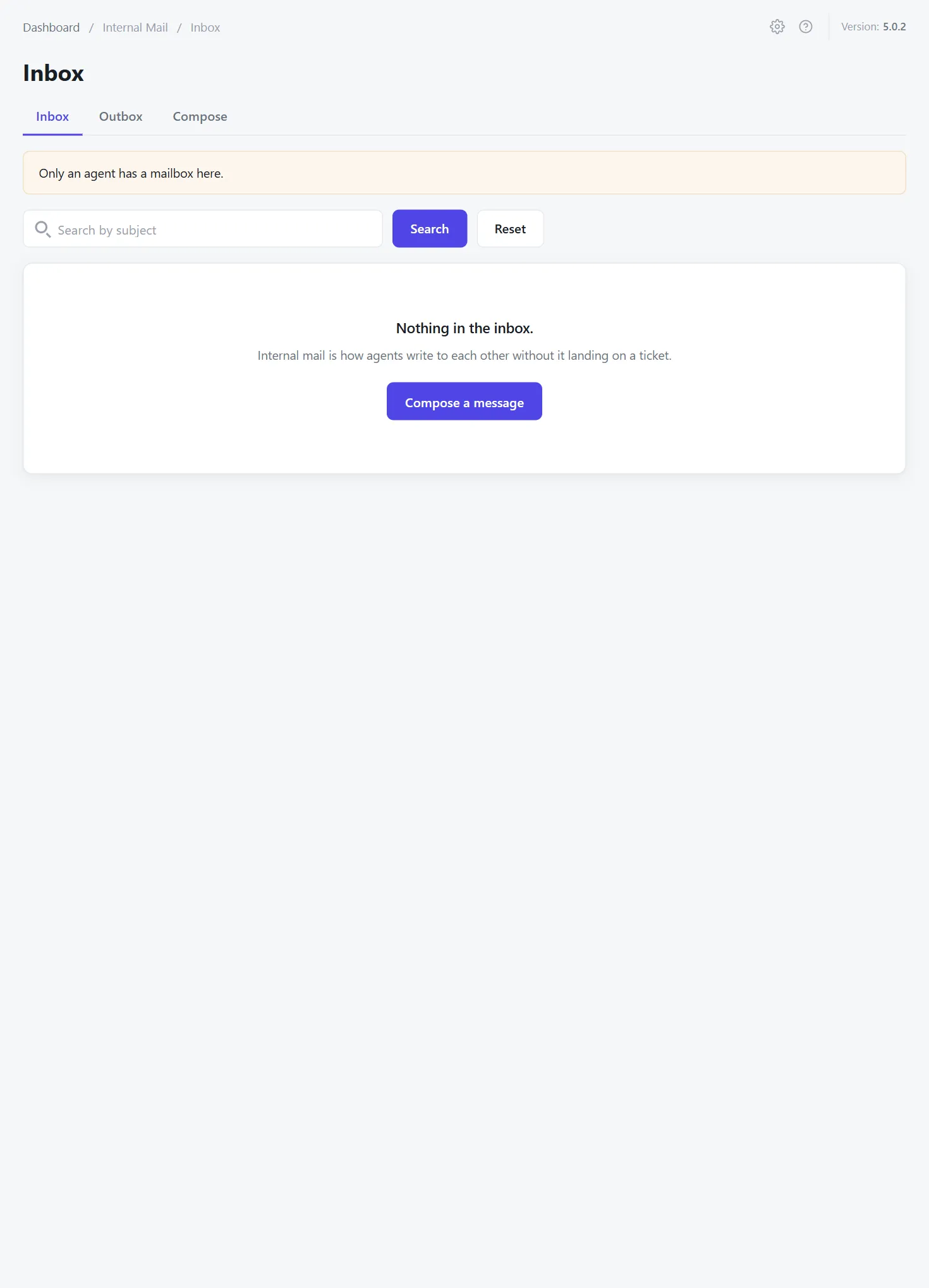
Internal Mail is a private mailbox for agents: they write to each other without it landing on a ticket. It needs the Agents & Teams pack, and only agents have a mailbox (“Only an agent has a mailbox here.”).
The screens are at wp-admin/admin.php?page=mail (Inbox),
…&jstlay=outbox (Outbox) and …&jstlay=formmessage (Compose). Tabs at the top
switch between them; the counts show unread messages, or the total when nothing
is unread. An agent needs the Allow Mail System permission, and Mail To
Agent to start a new message under Compose.
Messages sent to you, with Subject, From and Created. An unread message is marked Unread; one with replies is marked Replied. Search by subject.
| Action | Does |
|---|---|
| Read | Opens the message and its replies, and marks it read. |
| Mark read / Mark unread | Changes its state without opening it. |
| Delete | Deletes the message and its replies, after asking. There is one copy of each message, so it is gone from the sender’s outbox too. |
Opening a message shows the conversation, with a Reply box under it. Type your reply and click Send.
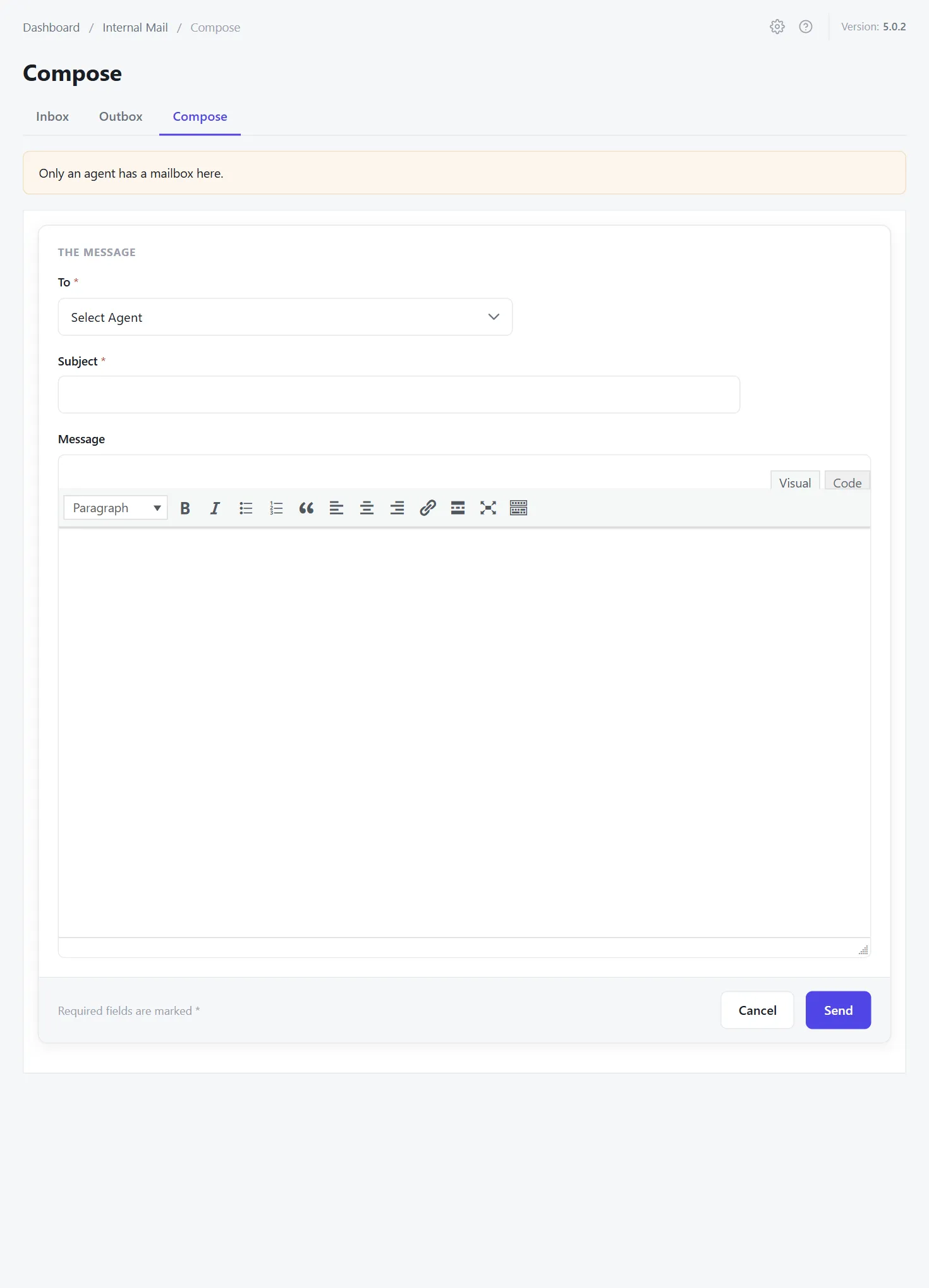
Compose
Section titled “Compose”-
Click the Compose tab.
-
Choose the agent under To, and type a Subject and Message.
-
Click Send.
The recipient is also e-mailed, using the New Mail Has Been Sent template (and New Reply Has Been Sent for replies). You can copy these notifications to another address with Email CC.
Outbox
Section titled “Outbox”Messages you have sent, with Subject, To and Created, and Read and Delete.
Moving messages onto tickets
Section titled “Moving messages onto tickets”An administrator can open wp-admin/admin.php?page=jssupportticket&jstlay=internalmail
to retire the mailbox. It shows how many messages there are, how many name a
ticket, and what would happen to each:
- A message that quotes a ticket’s ID in its subject or body can become an internal note on that ticket, dated when it was sent, credited to its sender, and readable only by the two agents on the message.
- A message that only says
#and a number is matched more weakly (“It says #number — weaker, check before you run it”). - A message that names no ticket stays where it is.
Download all of it first saves every message to a file. Move the ones that name a ticket moves them, after asking. Running it twice doesn’t move anything twice, and nothing is deleted: the old mailbox stays as it was.
The screen ends with What replaces it: an @mention in an internal note to ask a colleague, a restricted note for something only they should read, following a ticket to keep up with it, and the handover summary for handing work over.