

Banned e-mail addresses
Help Desk → Incoming Email → Banned Emails lists addresses that may not raise tickets. Anyone using one sees “Banned email cannot create ticket”, and no ticket is created.
Banning an address or domain
Section titled “Banning an address or domain”Click Add Banned Email and enter either:
- one address, such as
spammer@example.com; or - a domain, such as
example.comor@example.com, to block every address at it.
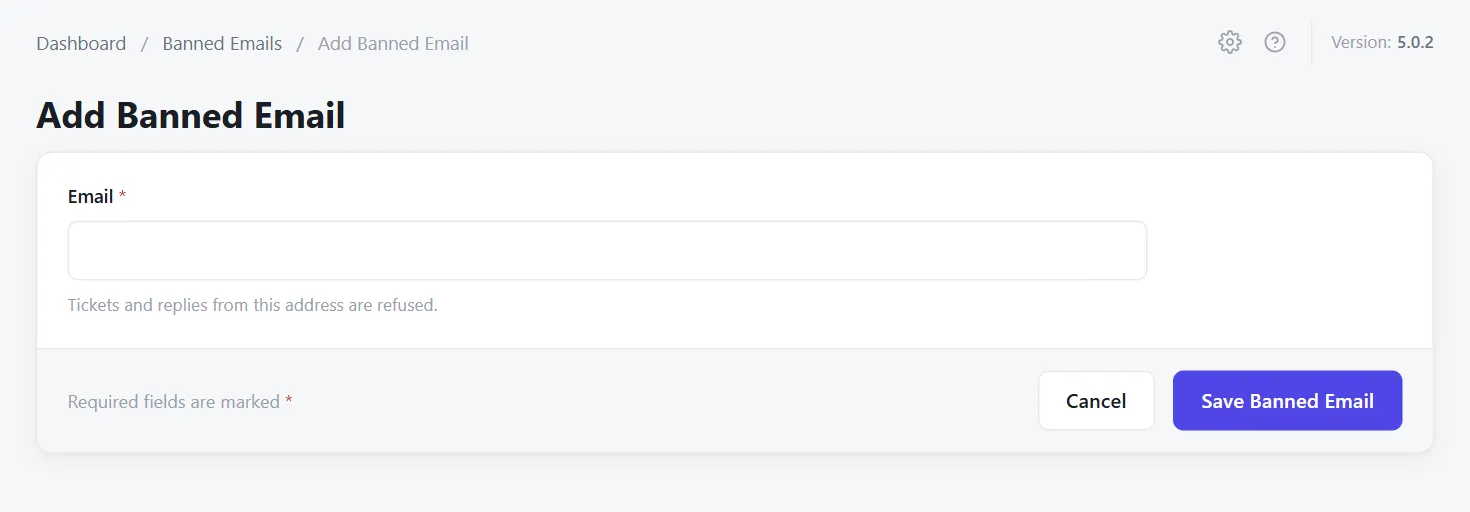
Click Save Banned Email. Only administrators can add or remove entries.
You can also ban straight from a ticket: More actions → Ban Email, or Ban Email And Close Ticket to close it at the same time. See Working a ticket.
The Ban Log
Section titled “The Ban Log”Incoming Email → Ban Log records every attempt by a banned address to raise a ticket: when, the address and name used, and the IP address.