

SMTP (legacy)
With the Email pack active, each address under Outgoing Email → System Emails gets a section called How it is sent. It lets that one address send through an SMTP server of its own, instead of through WordPress.
It is kept for sites that already rely on it. For a new setup, use a dedicated mail plugin instead: see Email Health’s advice.
The fields
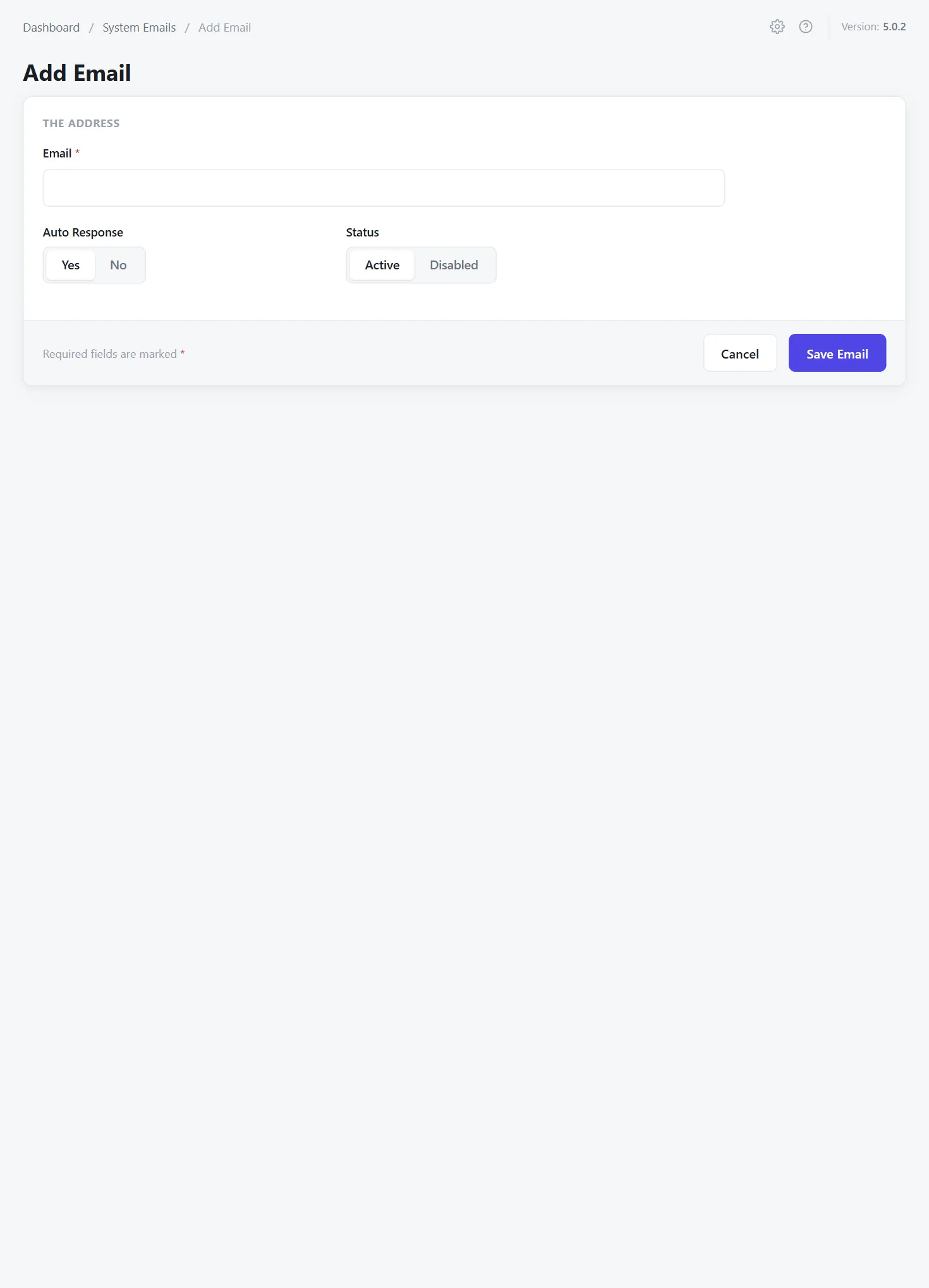
Section titled “The fields”Open an address with Edit, or click Add Email, and set Send Email By.
| Field | What it does |
|---|---|
| Send Email By | Default sends through WordPress, like any address without the pack. SMTP shows the fields below and sends this address’s mail through that server. |
| SMTP Host Type | Gmail, Yahoo, Hotmail, Aol or Other. Choosing one fills in SMTP Host: smtp.gmail.com, smtp.mail.yahoo.com, smtp.live.com or smtp.aol.com. Other clears it for you to type. |
| SMTP Host * | The SMTP server. |
| SMTP Port * | The server’s port. |
| SMTP Secure * | TLS or SSL, whichever your server expects on that port. |
| SMTP Authentication * | True signs in with the user name and password below; False doesn’t. |
| Username * | The user name for the SMTP server. |
| Password * | Its password. |
With SMTP chosen, Save Email checks that every starred field is filled in. Saving with Default clears them.
Check Settings
Section titled “Check Settings”Check Settings sends a test through the server with what is on the form, before you save. The test goes to your Default Admin Email. You see either “Test email has been sent on : …” or “Message could not be sent. Mailer Error: …” with the server’s reason. Give it up to 30 seconds.
How SMTP mail is sent
Section titled “How SMTP mail is sent”A notification from an address set to SMTP goes straight to that server, not through WordPress. So:
- your site’s mail plugin, if you have one, doesn’t see it, and its logs don’t show it;
- it comes from the address, with your help desk’s Title as the name, and replies go back to the same address;
- Email CC copies are added;
- if sending fails, the error is recorded among the help desk’s system errors;
- it isn’t stamped for threading, so customer replies to it can’t find their ticket by its headers. See How a reply finds its ticket.
Email Health’s advice
Section titled “Email Health’s advice”Because the Email pack includes the SMTP module, Outgoing Email → Email Health shows a card, The SMTP add-on is still active, whenever the pack is on, even if no address uses SMTP:
It still works and nothing has changed for you. It is no longer being developed, though: a dedicated mail plugin handles more providers and is maintained by people who do only that.
To move, install a mail plugin such as WP Mail SMTP, FluentSMTP or Post SMTP, connect it to your mail service, then set each address back to Send Email By: Default. Send a test from Email Health to check. There is nothing to migrate.
See Sending address and Email Health for the rest of outgoing mail.