

Shortcodes and blocks
Each part of the help desk can go on a page of your own, as a shortcode or as a block. They are the same feature: the block just previews itself in the editor. Help Desk → Appearance → Shortcodes lists everything available on your site, with a Copy button for each.
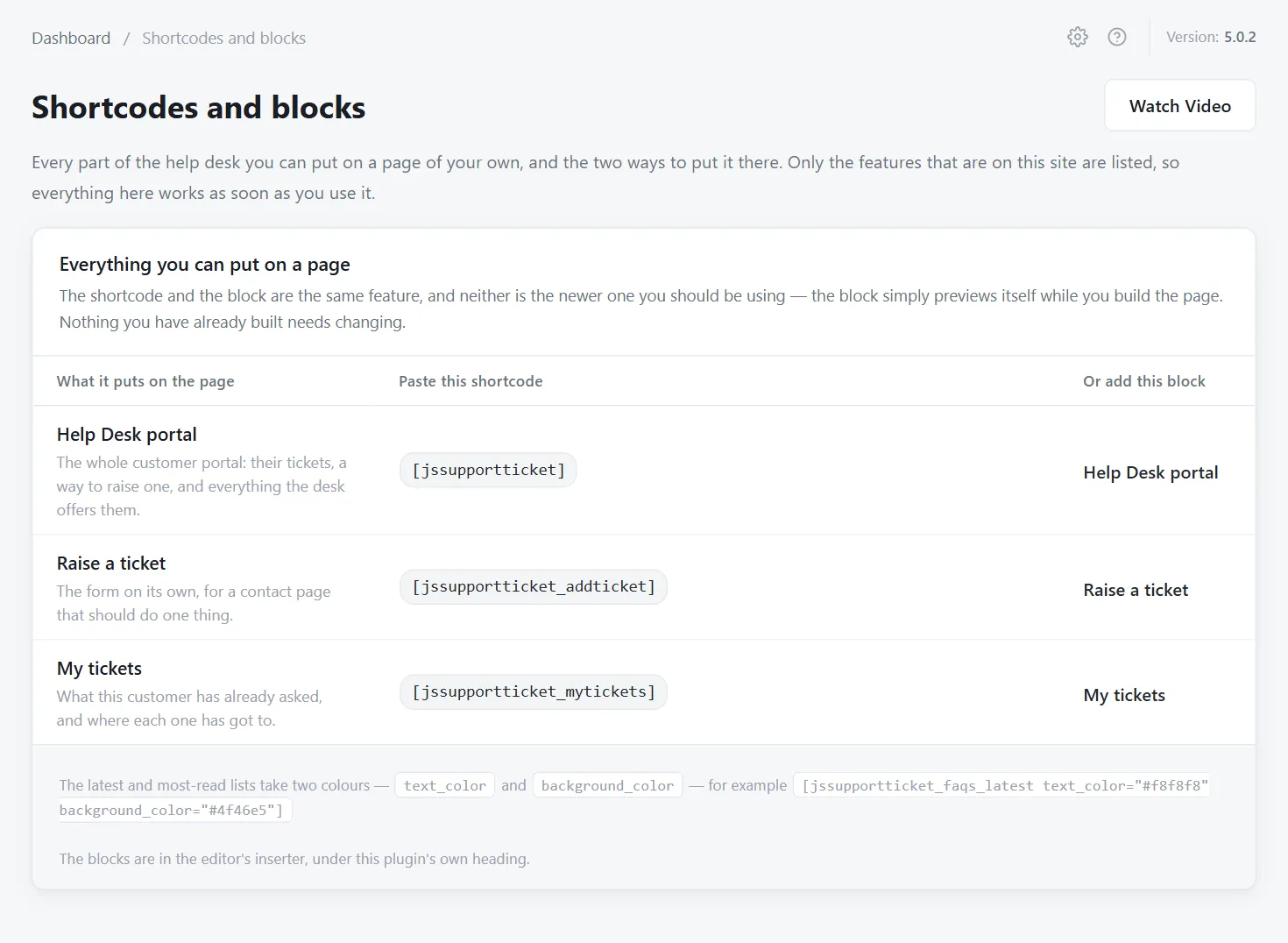
| What it puts on the page | Shortcode | Block |
|---|---|---|
| The whole customer portal | [jssupportticket] |
Help Desk portal |
| The ticket form on its own, for a contact page | [jssupportticket_addticket] |
Raise a ticket |
| The customer’s ticket list | [jssupportticket_mytickets] |
My tickets |
The blocks are in the block inserter under JS Help Desk.
With the add-on packs
Section titled “With the add-on packs”| Pack | Adds |
|---|---|
| Customer Experience | [jssupportticket_addticket_multiform formid="2"] for one particular form |
| Knowledge & Self-Service | [jssupportticket_knowledgebase], [jssupportticket_faqs], [jssupportticket_announcements], [jssupportticket_downloads], each also with _latest and _popular, and blocks for all but downloads |
In this version _popular shows the same list, in the same order, as
_latest. Both take two colours, for example
[jssupportticket_faqs_latest text_color="#f8f8f8" background_color="#4f46e5"].