

Other tools
Everything under System in the plugin’s menu is for administrators.
System Status
Section titled “System Status”System → System Status checks your server and the help desk’s health: environment, scheduled jobs, folder permissions, what happens if the plugin is deleted, and recent errors.
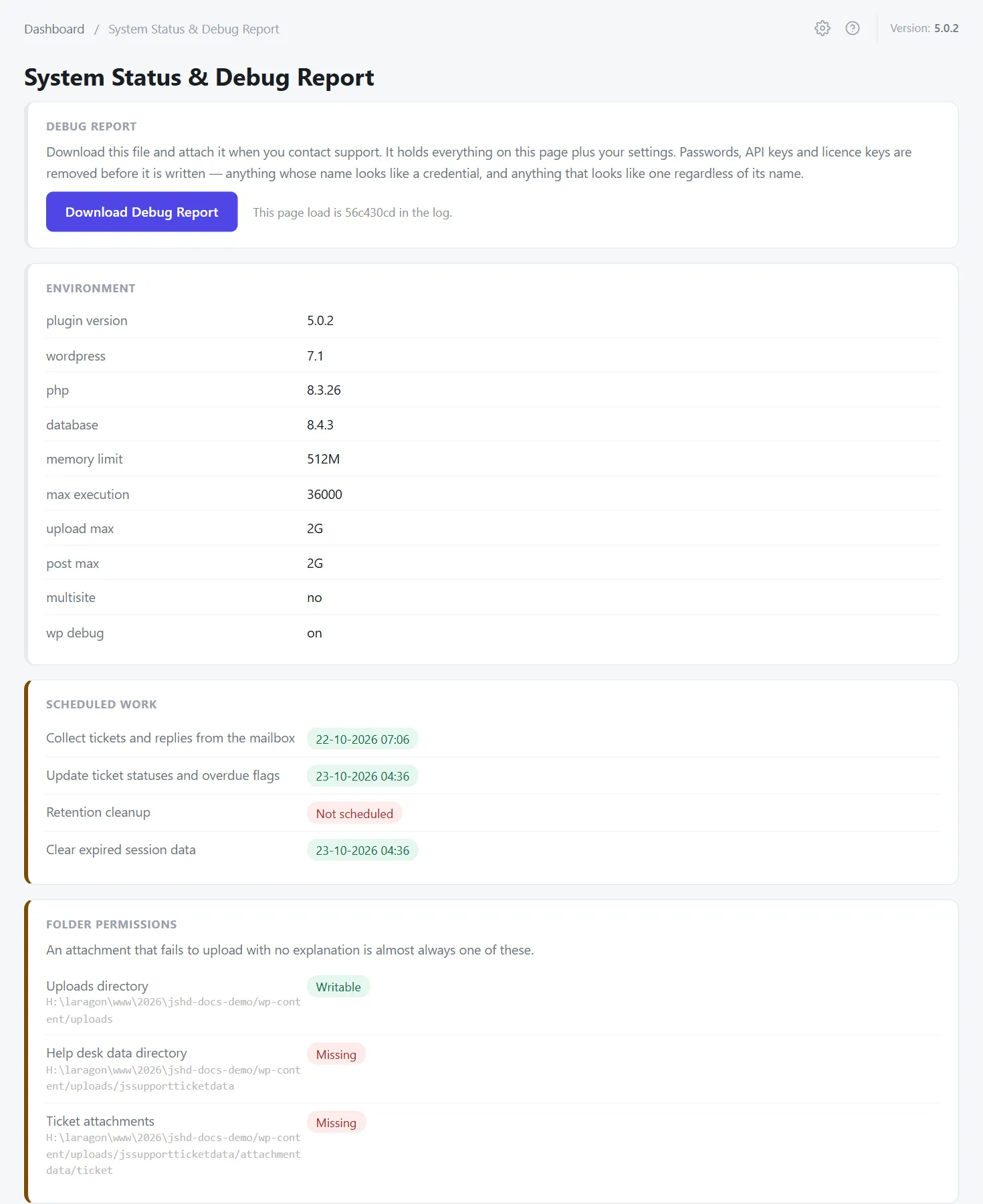
Download Debug Report produces a file to send to support. Passwords, API keys and licence keys are removed from it.
When Something Goes Wrong
Section titled “When Something Goes Wrong”System → When Something Goes Wrong has step-by-step checks for common problems, each step linking to the screen to look at: a notification never arrived, e-mail replies aren’t appearing, nothing happens in the background, an attachment won’t upload, an agent can’t see something, customers can’t reach the portal, and more. See also Troubleshooting.
Translations
Section titled “Translations”System → Translations installs the help desk’s translation for your site’s language, and for each user’s own language, automatically. Files come from jshelpdesk.com and are checked before use; no site data is sent. You can install one by hand, check for updates, or use English for yourself.
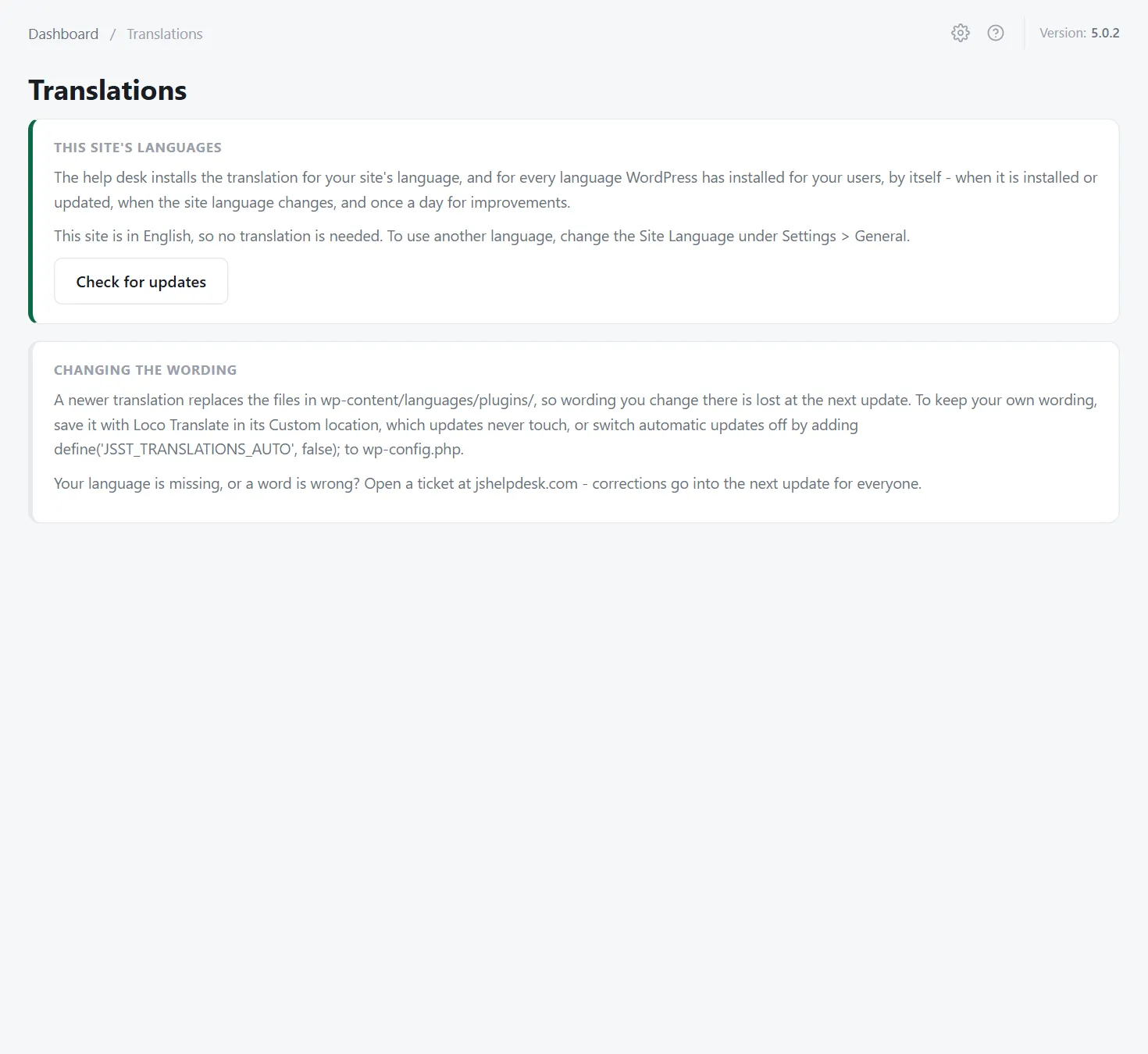
To stop automatic installs, set define( 'JSST_TRANSLATIONS_AUTO', false ); in
wp-config.php.
System → Slug renames the portal’s addresses, for example my-tickets or
add-ticket. Click Edit on a row, then Save; Reset All puts them
all back.
| Setting | |
|---|---|
| Home slug prefix | Added to addresses when the portal is your home page. |
| Slug prefix | Added only when an address would clash with an existing page. |
Storage Engine
Section titled “Storage Engine”System → Storage Engine converts the help desk’s database tables from the old MyISAM engine to InnoDB, one table at a time, smallest first. It pauses every 20 seconds so you can stop or Continue. Take a backup first.
System Errors
Section titled “System Errors”System → System Errors lists errors the help desk has recorded, with the page and, under View Query & Trace, the details support will ask for. Remove All clears the list.
Guides & Videos
Section titled “Guides & Videos”Plugin Support → Guides & Videos links to video tutorials, grouped by topic.
Running a WordPress network? See Multisite.